| Function | Description |
| Note: Functions available may vary with the server. |
| Device management | Add, edit, and delete devices on LAN
Supports automatic search, and allows user to add devices manually |
| Open device's Web interface from the client |
| View device status, including status of NVR-connected IPCs |
| Supports Onvif |
| Video wall | Add, edit, and delete video walls; supports small pixel pitch LED |
| Bind decoding channels automatically, bind decoding channels by one-click, splice screens, custom screen layout |
| Scene and scene plan (execute by set time interval or 24-hour schedule) |
Multiple ways to open windows: one click (1/3/4/5/6/7/8/9/10/13/16/17/25/32/36/64 and M*N custom layout), right mouse button, or coordinates
Window roaming and overlay, double-click window to view in full screen mode, renumber windows, window lock/unlock, display on top/bottom, and view window/split window info |
| Start videos in batches on one or multiple screens |
| Sequence display videos in one or multiple windows |
| Play PC's video signals through server's DVI or VGA interface to the video wall. |
| Device group, including default group and custom group |
| Virtual LED: LED coordinates, custom LED content, font style, font size, font color, character spacing and alignment, background color and transparency, moving speed and mode; enable/disable virtual LEDs |
| Supports audio output and volume adjustment |
| Sequence resource | Add, edit, and delete sequence resource |
| Screen control | Turn on/off screen automatically at a set time
Turn on/off screen manually
Turn on/off screen with delay |
| Client configuration | Automatic login to EZWall
Automatic login to Windows
Automatically display selected window on top
Play video with set or adaptive stream type |
| Help | User manual |
| Language | Chinese and English |
| Environment |
| OS and min. requirements | OS: 32-bit or 64-bit Microsoft Windows 7, 8, 10
CPU: Intel Core i5 2.3GHz or higher
RAM: 4GB or higher |



_1013732_651984_0.png)










_1036463_651984_0.png)
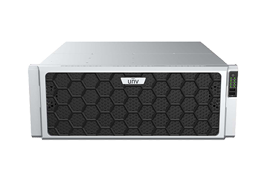





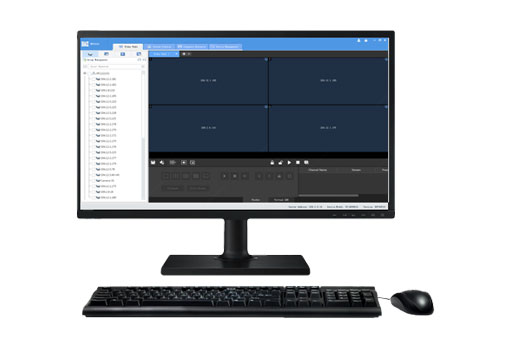


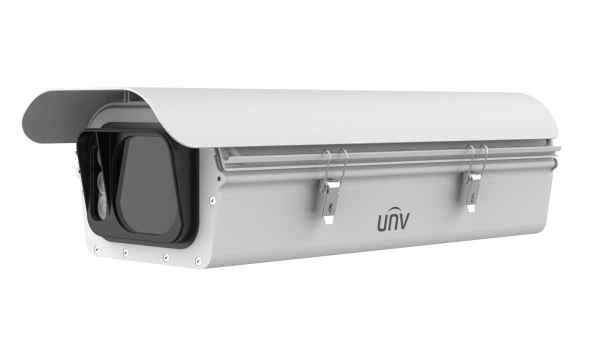
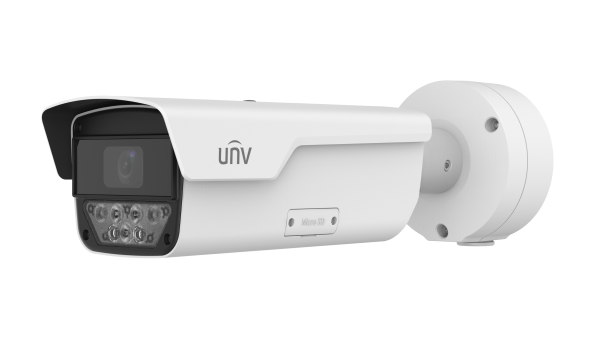
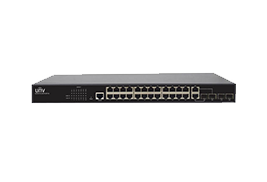
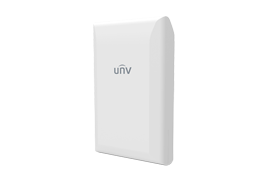
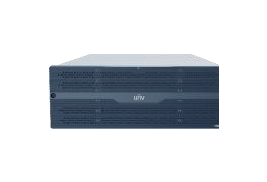
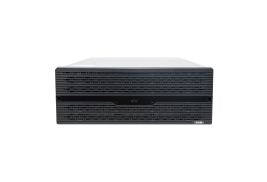
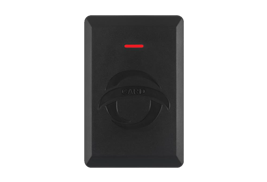
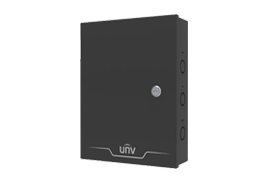
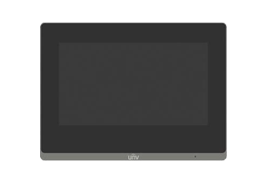
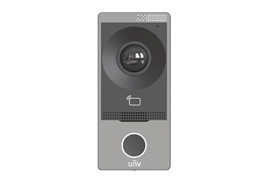
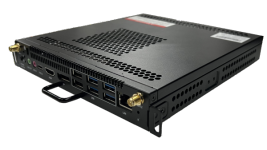
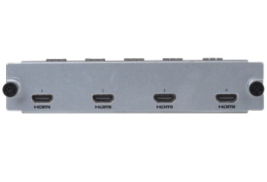
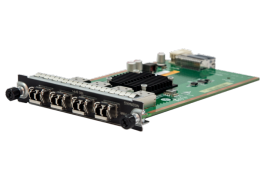
 Supports multiple device models including ADU8606, ADU8609, ADU8612, ADU8615, ADU8618, ADU8612-E, DC-B204, DC-B206, and DC-B209.


